Automatic driveway gates provide incredible security, convenience, and curb appeal for your property. However, like any motorized mechanical system exposed to outdoor elements, they can experience wear and tear over time. When your gate fails to open or close properly, it can disrupt your day and leave your property vulnerable.
Understanding frequent technical hiccups can help you identify minor issues before they require costly repairs. Here are the six most common automatic gate problems and how to address them.

1. Sensor Misalignment or Obstructions
The Problem
Safety photo-eyes (infrared sensors) are located near the base of the gate pillars to detect vehicles, pedestrians, or pets, causing the gate to stop or reverse if something crosses its path. Because they sit low to the ground, they are easily blocked by dirt, spiderwebs, tall grass, heavy leaves, or snow. Direct sunlight or a physical bump can also knock them out of alignment. If the beam between the two sensors is broken, the control board will assume an obstruction is present and refuse to let the gate close.
How to Fix It
- Clean the Lenses: Gently wipe both sensor covers with a soft, clean microfiber cloth to remove dust, mud, or cobwebs.
- Check Alignment: Inspect the indicator lights on the sensors. If a light is flickering or off, adjust the mounting screws slightly until the solid connection light reappears.
- Clear Debris: Trim back grass, weeds, or stray objects sitting in the sensor path.
2. Power Supply Failures and Dead Remotes
The Problem
When an electric gate completely stops responding, the root cause is often electrical. This can range from a tripped circuit breaker or a blown fuse to a completely drained backup battery. If only the remote controls fail while hardwired keypads or intercoms still work, the issue is isolated to dead remote batteries or a lost radio frequency sync.
How to Fix It
- Inspect Your Circuit Breaker: Check your main electrical panel to ensure the breaker dedicated to the gate has not tripped.
- Test Alternative Entry Points: Try using the hardwired keypad, intercom, or smartphone app. If the gate opens via these methods, your remote control likely needs a battery replacement.
- Check the Backup Battery: Many systems feature battery backups for power outages. If the battery is old or corroded, clean the terminals or replace the unit.
3. Track Obstructions and Mechanical Wear
The Problem
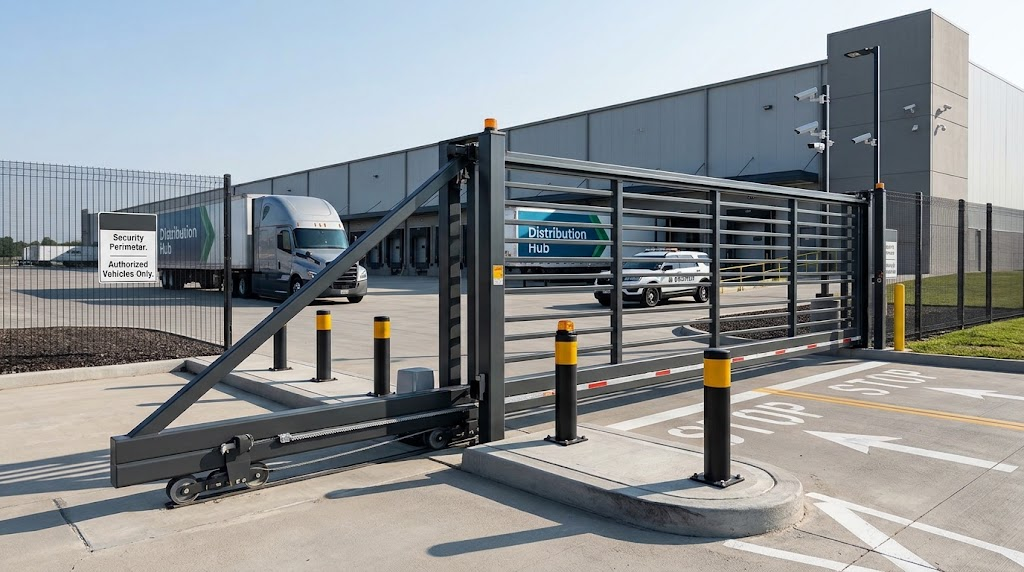
Sliding gates rely heavily on a smooth metal track and rolling wheels, while swing gates depend on motorized hinge arms. Over time, sliding gate tracks accumulate gravel, leaves, ice, and dirt, causing the gate to jam, drag, or strain the motor. Similarly, a lack of lubrication on swing gate hinges can cause excessive friction, forcing the motor to work harder.
How to Fix It
- Clear the Track: Walk the entire length of the sliding gate track and use a broom, pressure washer, or wet-dry vacuum to clear out accumulated debris and pebbles.
- Inspect Rollers and Chains: Check rollers and drive chains for signs of wear, tightness, or excessive sagging.
- Lubricate Moving Parts: Apply a recommended silicone- or Teflon-based lubricant to hinges, roller bearings, and sliding tracks. Avoid heavy greases that attract and trap dirt.
4. Worn-Out Limit Switches
The Problem
Limit switches tell the gate motor exactly when to stop—whether the gate is fully open or completely closed. If these switches slip, break, or get coated in grime, the gate may stop prematurely, fail to close all the way, or keep running against the physical stops and strain the motor.
How to Fix It
- Inspect the Switches: Locate your gate’s limit switch nuts, magnetic sensors, or physical levers near the motor gear.
- Adjust Positions: If the gate stops too early or too late, adjust the limit switch position slightly according to your owner’s manual.
- Clean Grime: Wipe away dirt or buildup that may be interfering with magnetic or optical limit sensors.
5. Control Board Malfunctions
The Problem
The control board is the “brain” of your automatic gate system, managing signals from remotes, loop detectors, safety sensors, and the motor. Power surges from lightning storms, water intrusion inside the control box, or aging electronic components can cause erratic behavior, random opening/closing, or complete unresponsiveness.
How to Fix It
- Check for Moisture: Inspect the control box housing for cracks, loose seals, or condensation buildup. Ensure the enclosure is properly sealed against rain and pests.
- Perform a Power Reset: Turn off power to the gate system completely, wait a minute, and turn it back on to reboot the control board logic.
- Call a Professional: If the board shows burnt components or persistent error codes, it will likely need professional diagnosis or replacement.
6. Damaged Gate Springs or Actuator Arms
The Problem
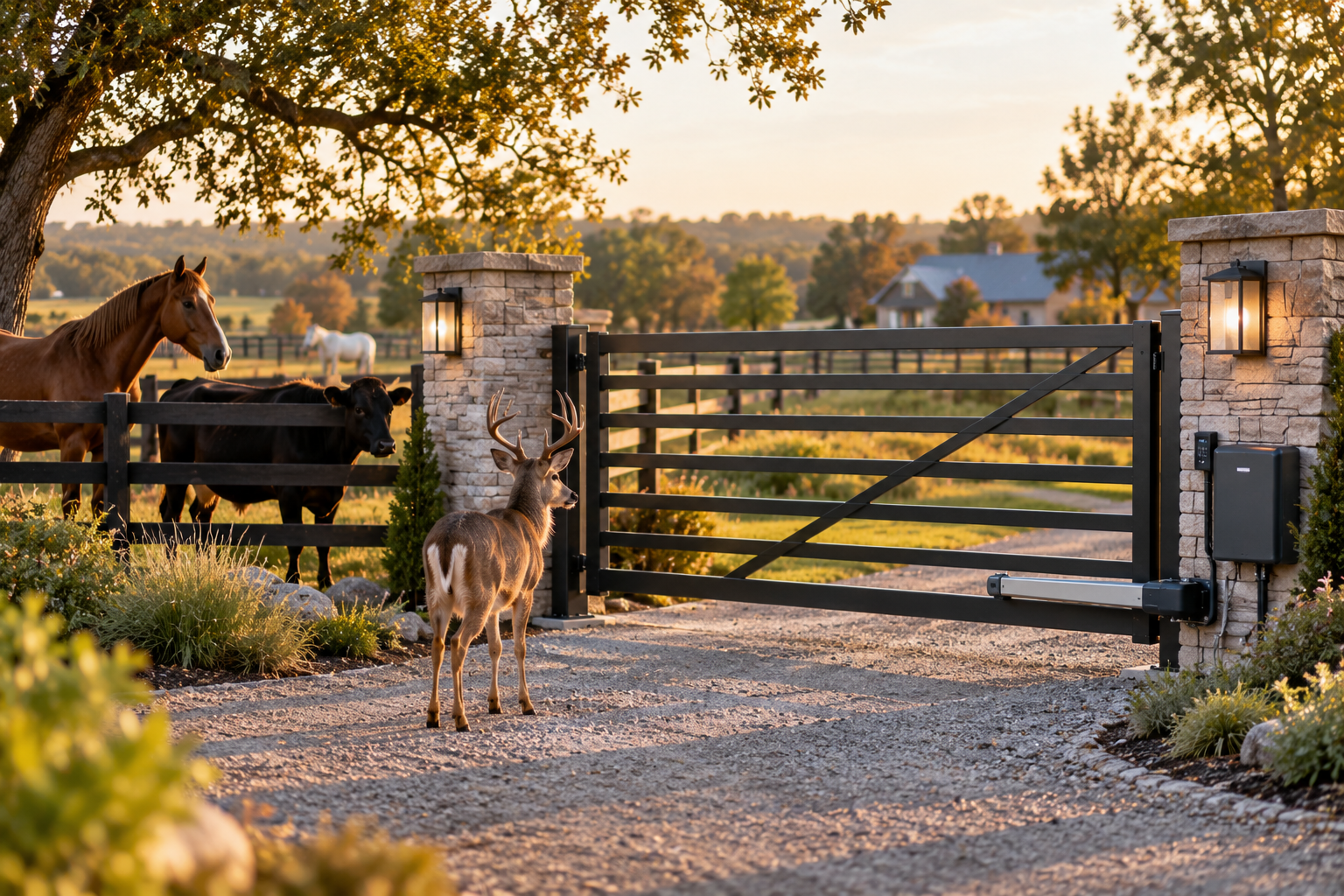
Heavy swinging or sliding gates rely on mechanical leverage from actuator arms or hydraulic pistons. Over thousands of open-and-close cycles, internal seals can leak, mounting brackets can loosen, or internal gears can strip—especially if the gate has experienced physical impacts or high winds.
How to Fix It
- Check Mounting Brackets: Inspect the bolts and brackets where the actuator arm attaches to the gate and the pillar to ensure they are tight and secure.
- Listen for Unusual Noises: Grinding, squealing, or clicking sounds during operation often indicate internal mechanical failure or gear stripping.
When to Call a Professional
While basic cleaning, sensor alignment, and remote battery replacements are easy DIY tasks, automatic gate systems involve high-tension hardware, heavy moving parts, and complex electrical circuits. If you have tried troubleshooting and your gate remains stuck—or if you suspect electrical shorts, motor burnout, or structural damage—contact professional technicians for safe, reliable automatic gate repair.
Solve Persistent Gate Issues With Professional Support
While DIY troubleshooting can help resolve minor sensor or remote issues, complex mechanical failures, persistent power losses, or damaged actuators require expert intervention. Whether you need a comprehensive system tune-up or a professional upgrade, our team is here to ensure your property remains secure and fully operational.
- Explore our complete range of engineered perimeter solutions on the Weaga Home Page.
- Learn more about our professional troubleshooting and repair solutions by visiting our Commercial Gate Automation and Loading Dock Services page.